The all-in-one QR suite built with Jetpack Compose. Generate custom-styled QR codes for Wi-Fi, payments, links, and contacts. Scan any code instantly with live CameraX hardware acceleration—zero servers, zero tracking.
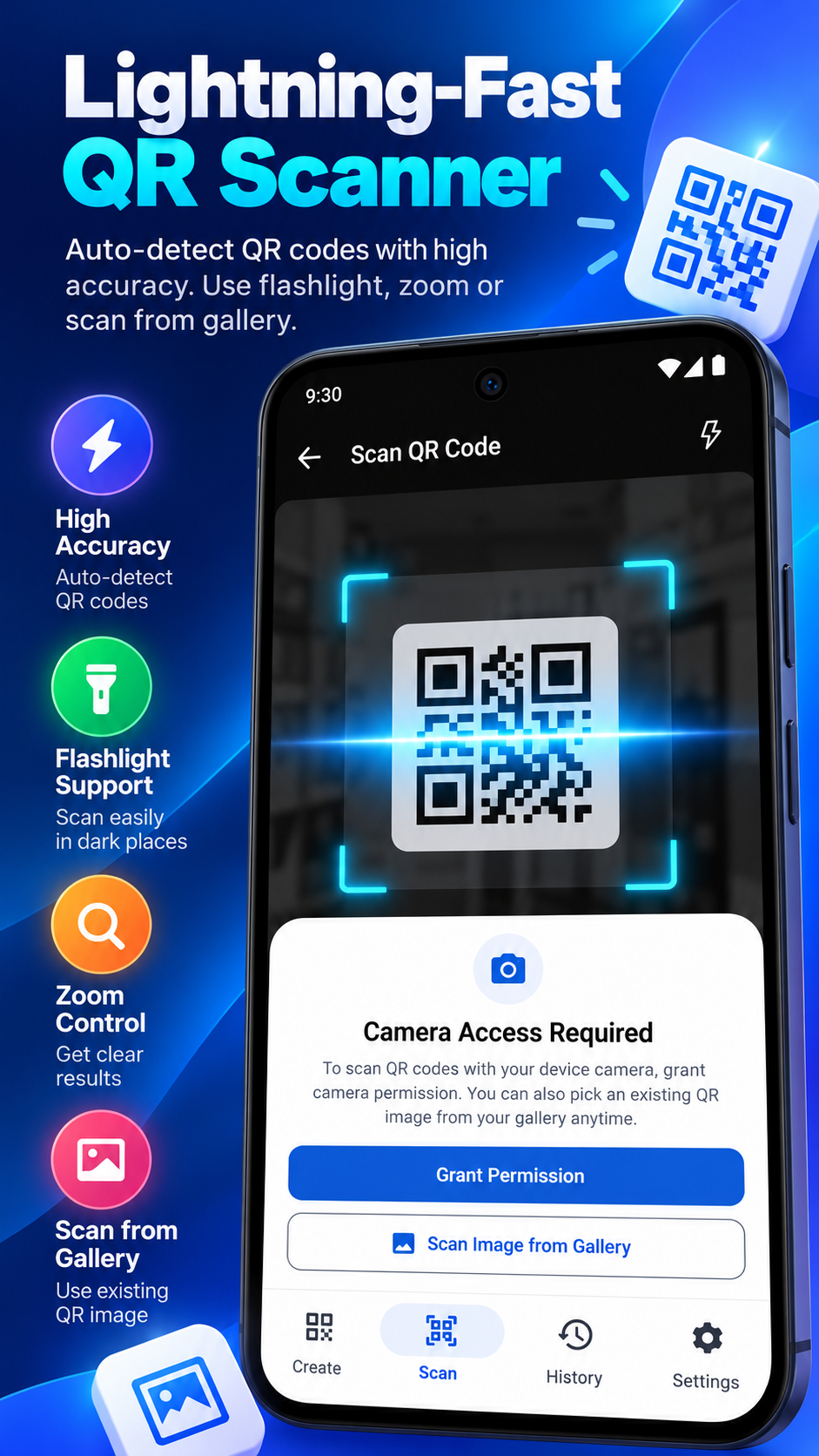
Everything you need to encode, scan, brand, and organize QR codes right in your pocket.
Supports URLs, Wi-Fi passwords, UPI digital payments, vCard contacts, WhatsApp direct chat, SMS, Email, Geolocation GPS coordinates, and Calendar events.
Personalize your codes with custom foreground and background colors, dot geometries (square, circle, rounded), customizable eye corners, and embedded center logo glyphs.
Ultra-fast barcode scanning with built-in flashlight toggle, tap-to-focus, and subtle vibration feedback. Detects codes from angles and in low-light conditions.
No registration, no accounts, and zero cloud uploads. All QR codes and scan history are saved exclusively in a local SQLite Room database on your phone.
Export generated QR codes at crisp resolutions as PNG or vector images. Share directly to WhatsApp, Telegram, email, or save to your device storage.
Full support for Android 12+ dynamic colors and seamless switching between Light, Dark, and System Default themes for comfortable day and night usage.
Generate ready-to-scan codes with proper schema prefixes for instant actions when scanned.
Type below to preview how our smart QR encoding works before downloading the APK.
💡 In the mobile app, you can also customize eye shapes, corner radii, and embed custom logos!
We believe privacy is a fundamental human right. Here is our official declaration regarding device permissions and data handling.
Used strictly in real-time to detect barcodes via CameraX. Video frames are analyzed locally in device memory and are NEVER recorded, saved, or uploaded.
Triggers subtle haptic feedback when a QR code is detected successfully so you do not have to stare at the screen continuously.
Used solely by Google Play Services and Google AdMob to deliver standard advertisements. The core QR generator and scanner function 100% offline.
Your history records are stored only on your internal phone partition. You can delete individual items or tap "Clear All Local History" in Settings at any time.
Verified technical requirements and package information for Google Play Console submission.
| Application Title | QR Generator & Scanner (Launcher label: QR Generator & Scanner) |
|---|---|
| Current Version | Version 1.0 (versionCode 1) |
| Minimum Android Version | Android 7.0 Nougat (API Level 24) |
| Target & Compile SDK | Android 16 / Android 15 (compileSdk 36, targetSdk 36) |
| UI Framework | Jetpack Compose • Material Design 3 |
| Barcode Engine | ZXing Core (Zebra Crossing) • CameraX Jetpack |
| Persistence | Room Database (AndroidX Room 2.6.1 + KSP) |
| Support & Help | Help & Support Page |
Common inquiries about scanning, security, offline generation, and Play Store compatibility.
CAMERA permission so the app can access your optical sensor to decode barcodes in the viewfinder. We use CameraX exclusively for real-time analysis—no images or video streams are saved.